Swap with FTSOBest
How to open Swap, read quotes, understand supported routers and submit new tokens or routers for review.
Last updated: Jul 13, 2026
FTSOBest Swap compares enabled decentralized liquidity routes on Flare and Songbird. You keep custody of your funds: the quote is reviewed first, then your own wallet signs the transaction.
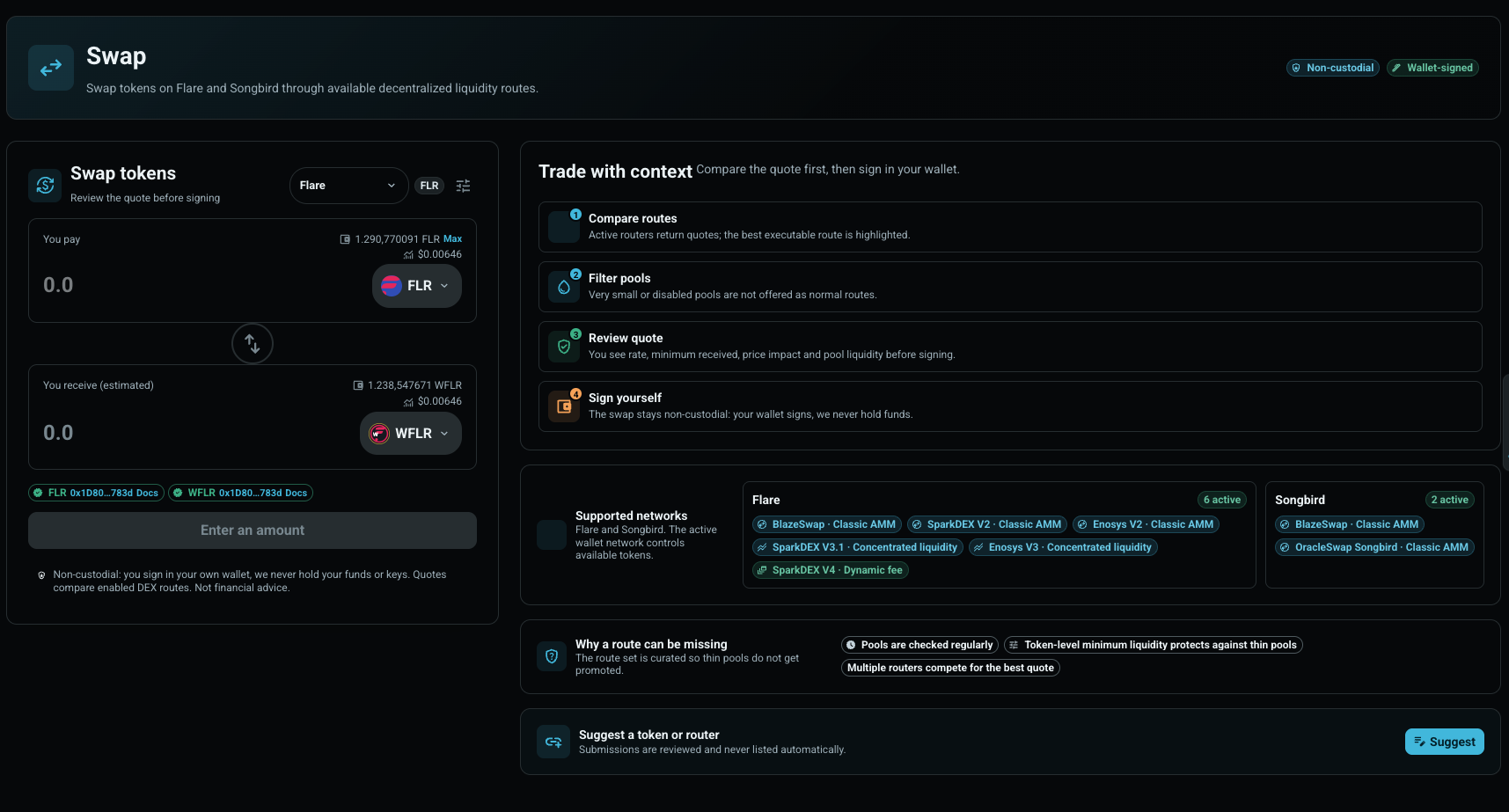
- Open Wallet Center.
- Connect and sign in with your wallet.
- Choose Swap.
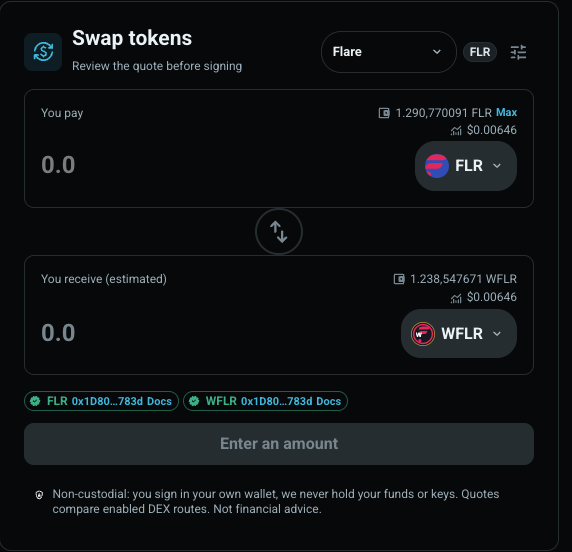
- Select the network, input token, output token and amount.
- Review the quote before signing.
The swap card shows what you pay, what you are expected to receive, the route, the price impact, the minimum received amount and pool liquidity. If the best route is thin, disabled or not available, FTSOBest explains why instead of silently routing through weak liquidity.
- Flare can compare approved integrations such as BlazeSwap, SparkDEX V2/V3/V4, Enosys V2/V3 and Pangolin V2 when they are active and healthy.
- Songbird can compare approved routes such as BlazeSwap and OracleSwap Songbird.
- Tokens are curated per network. A token must have checked metadata, decimals, risk status and usable liquidity before it appears for normal users.
Use the suggestion entry on the Swap page when a token or router should be reviewed. Add the network, contract address, project name, website, documentation and any liquidity context you have.

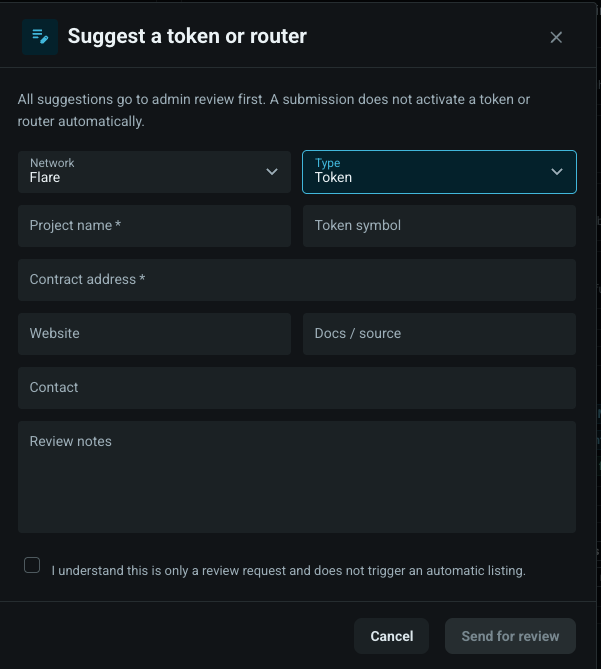
A submission is only a review request. FTSOBest checks contracts, sources, liquidity, adapter readiness and risk before a token or router can become part of user routing.